
Sky Trade by SkyOption
Analyse and draw like a pro, trade straight from the chart, practise on real past prices in Trading Lab, and let the AI you already use read and set up your chart.
- English and full right-to-left Arabic
- The AI never trades a real account without your click

Counted in the product, not in a brochure
Every number here is counted from the platform’s own code.
One platform, from first look to last trade
Chart, trade, practise and ask the AI in the same place.
A chart built for analysis
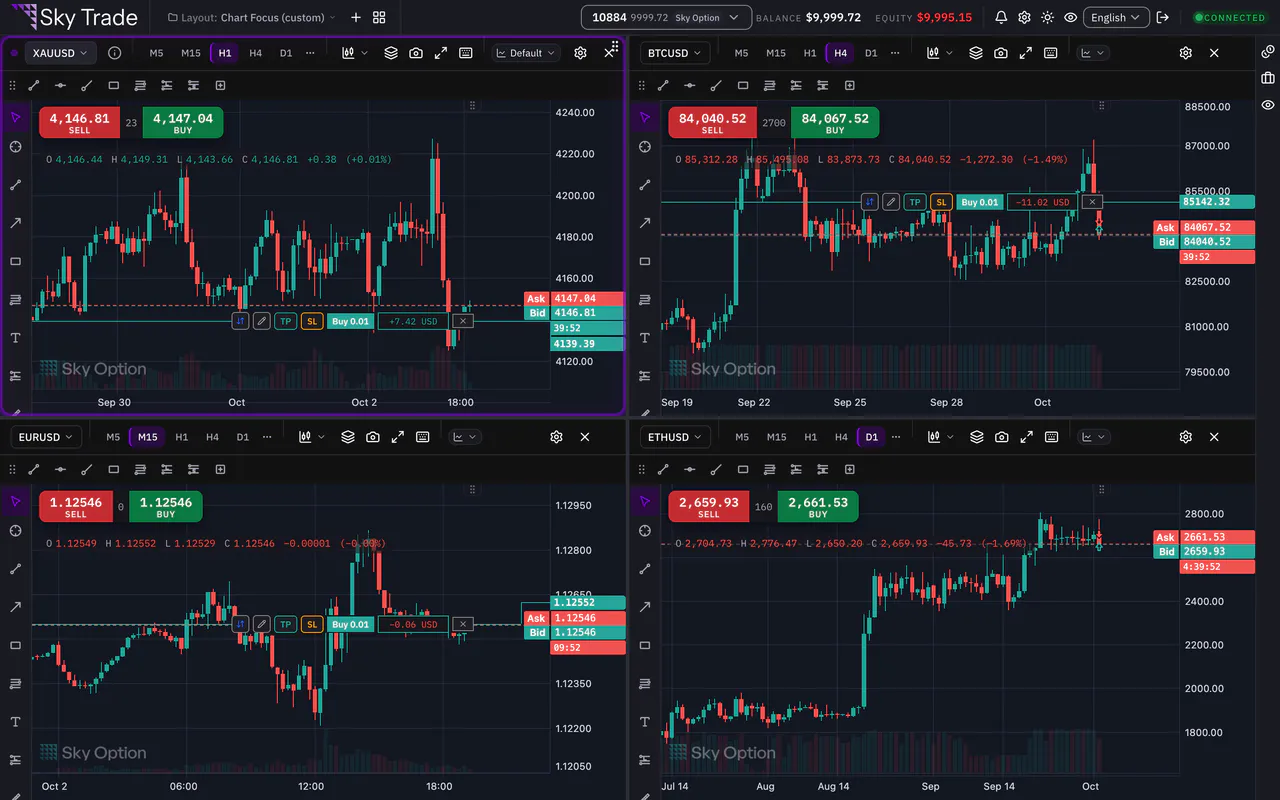
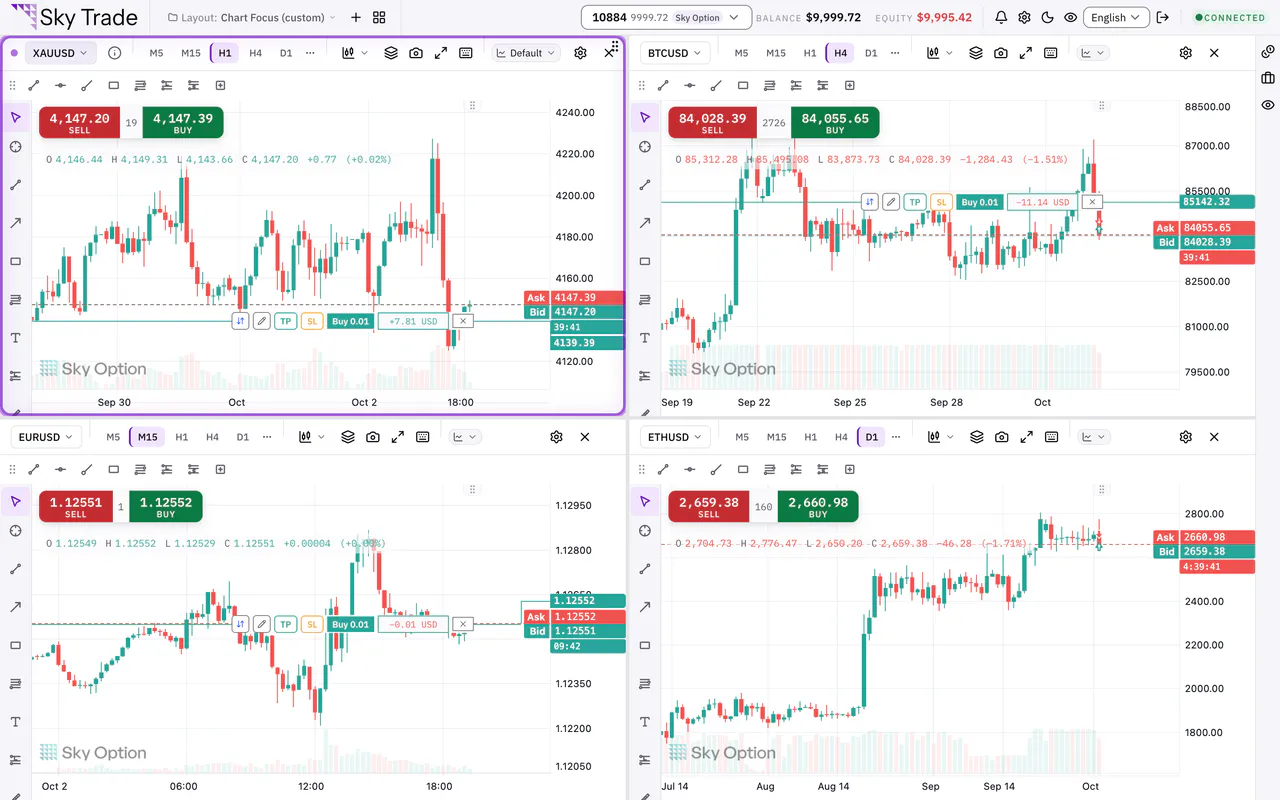
Fibonacci and Gann tools, oscillators in their own panes, and several markets or timeframes side by side on one screen.
Size by risk, not by guesswork
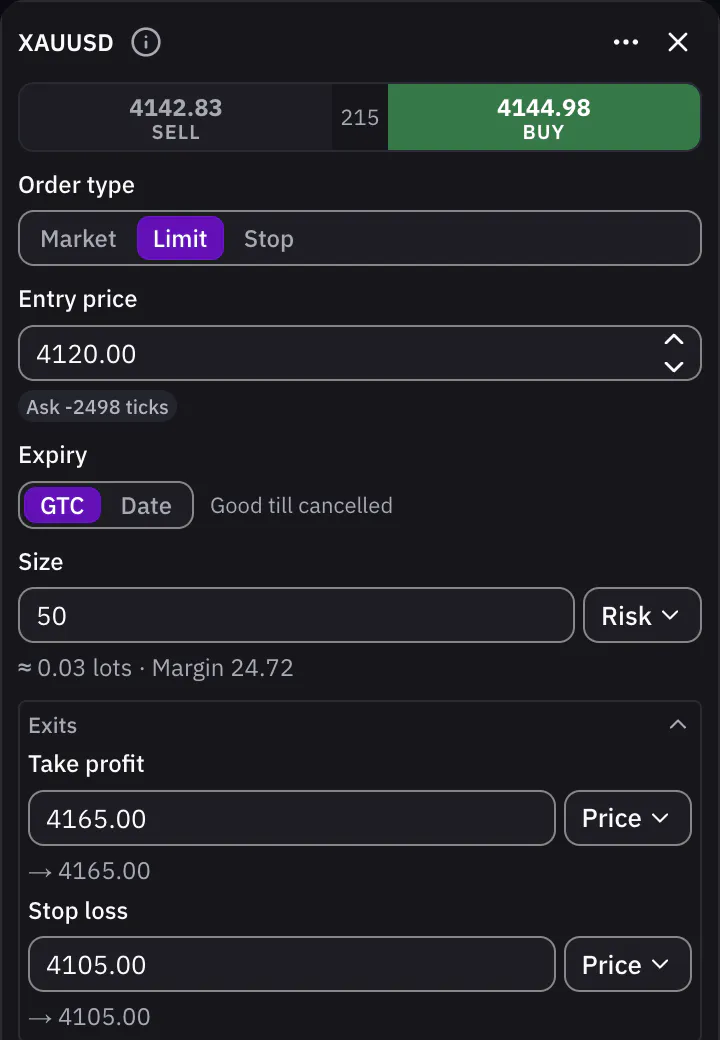
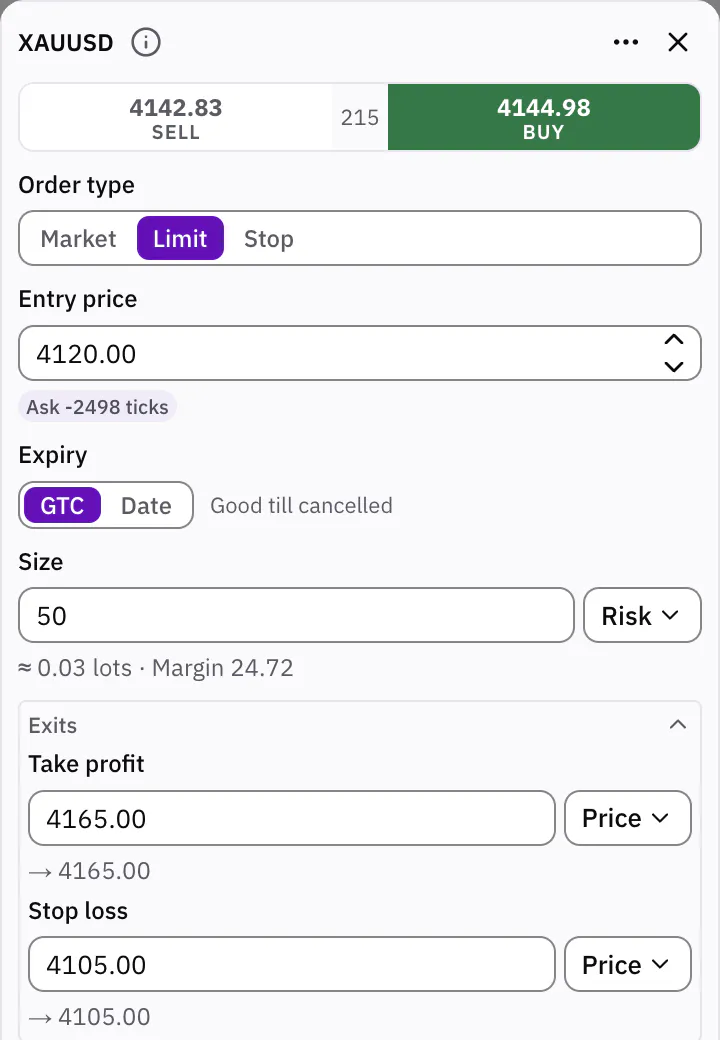
Enter an order as money, lots or risk. Choose risk, say how much you are willing to lose, and the ticket works out the lots. Set take profit and stop loss in the ticket or on the chart.
Practise on real past prices
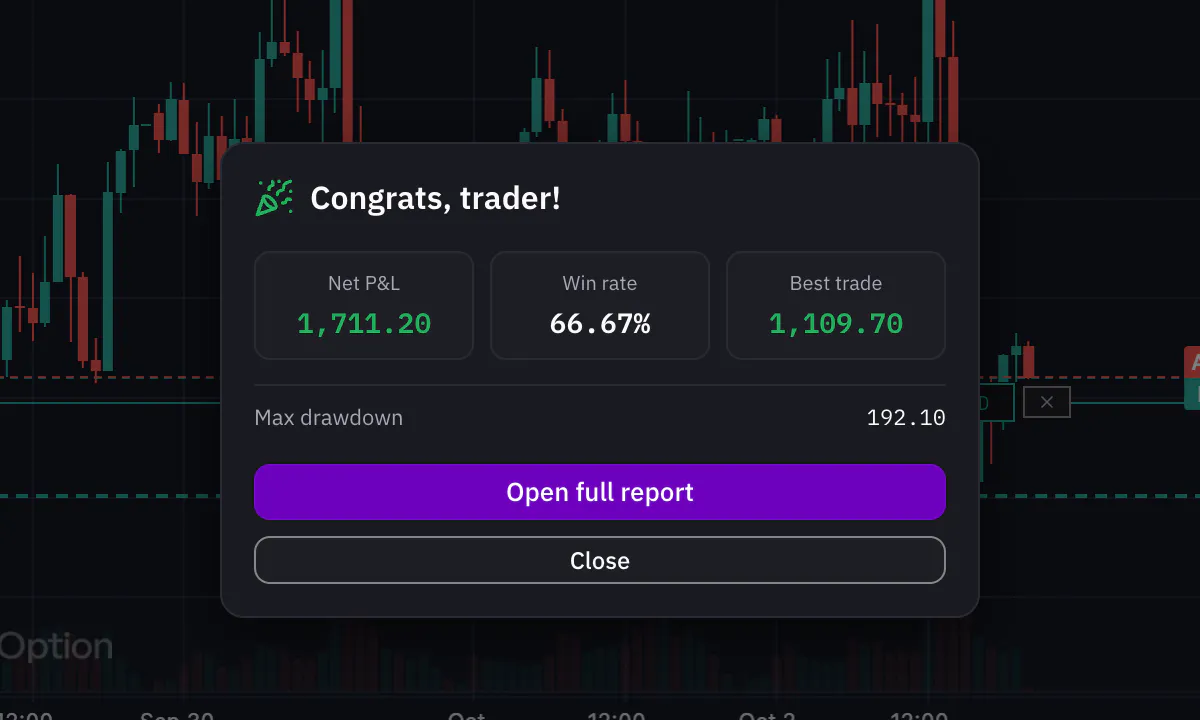
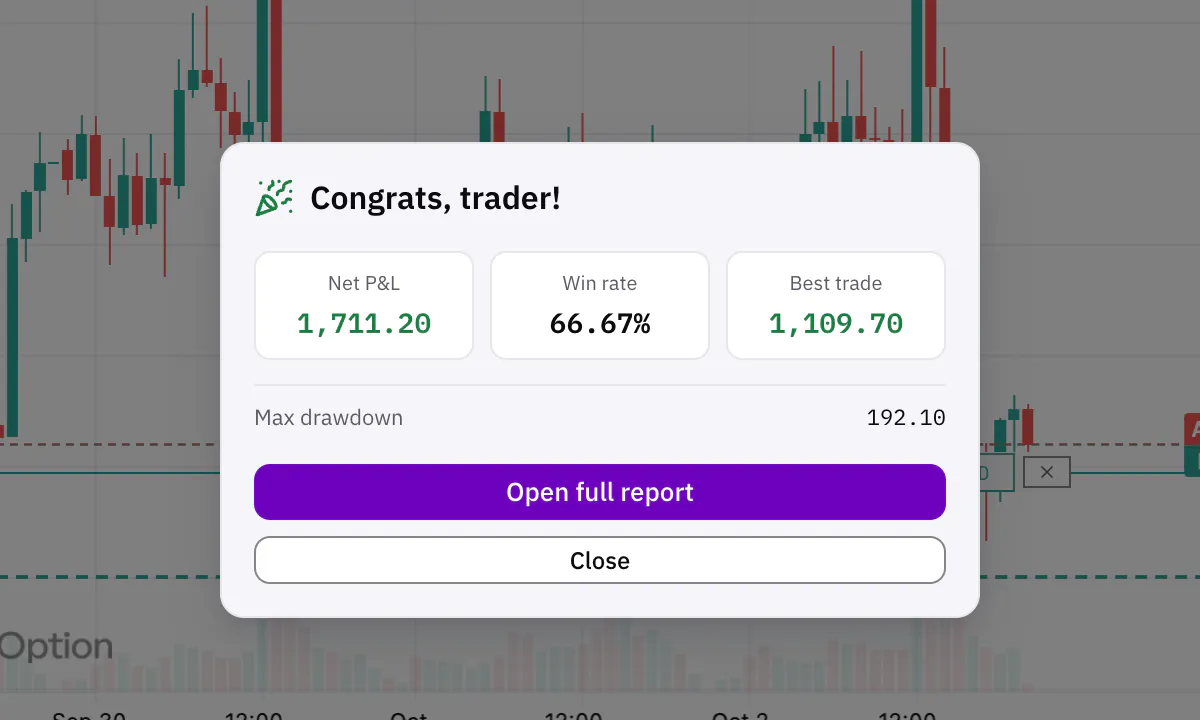
Replay any chart in Trading Lab from a bar, a date or a random point, at 6 speeds. Paper-trade with the same ticket and get a full scorecard.
An AI that works on your chart
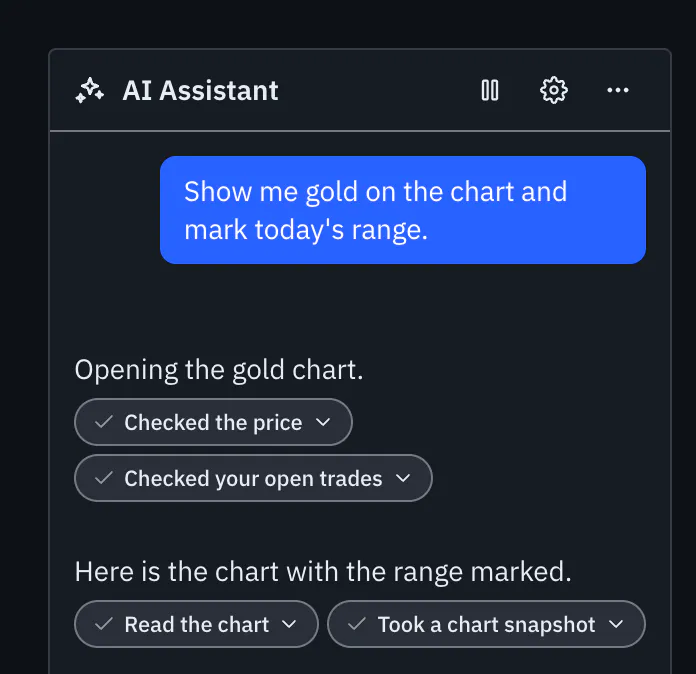
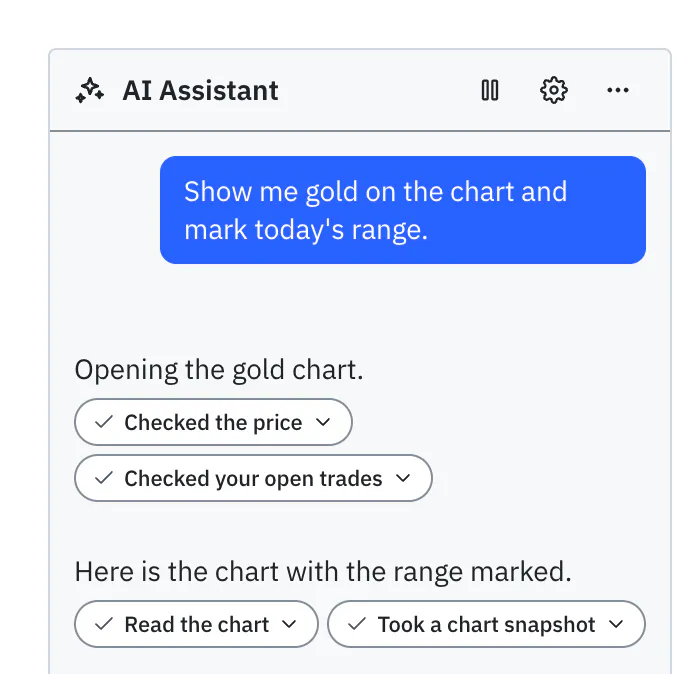
Bring your own key, or the AI app you already use: Claude, Cursor, ChatGPT and more. It reads the chart, draws on it, and can coach you through a Trading Lab session.
Wherever you trade
Log in with the same broker account on the web, on Sky Trade Desktop and on your phone.
- In your browser, nothing to install
- Sky Trade Desktop for Mac, Windows and Linux
- A phone layout with every panel in a bottom sheet
- Each account keeps its own layouts and watchlists
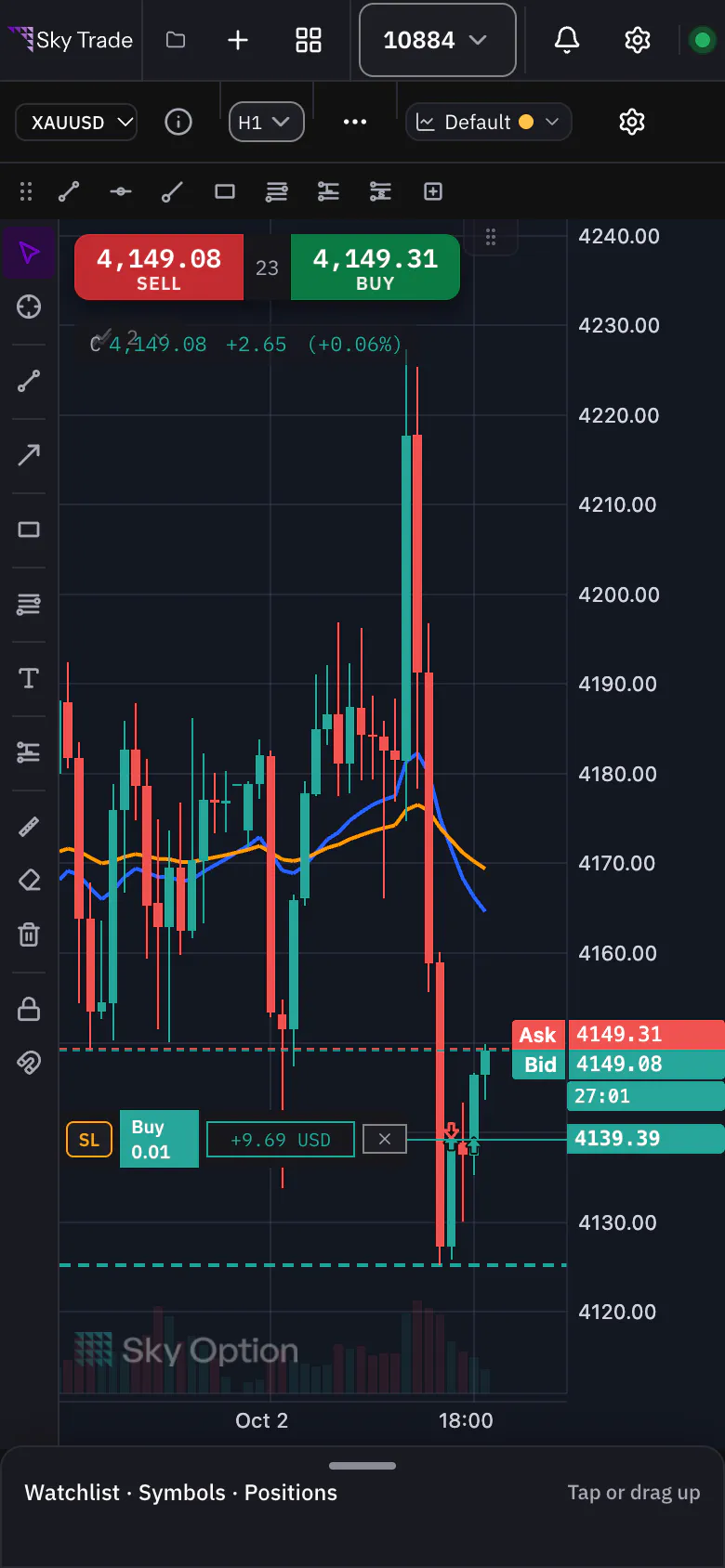
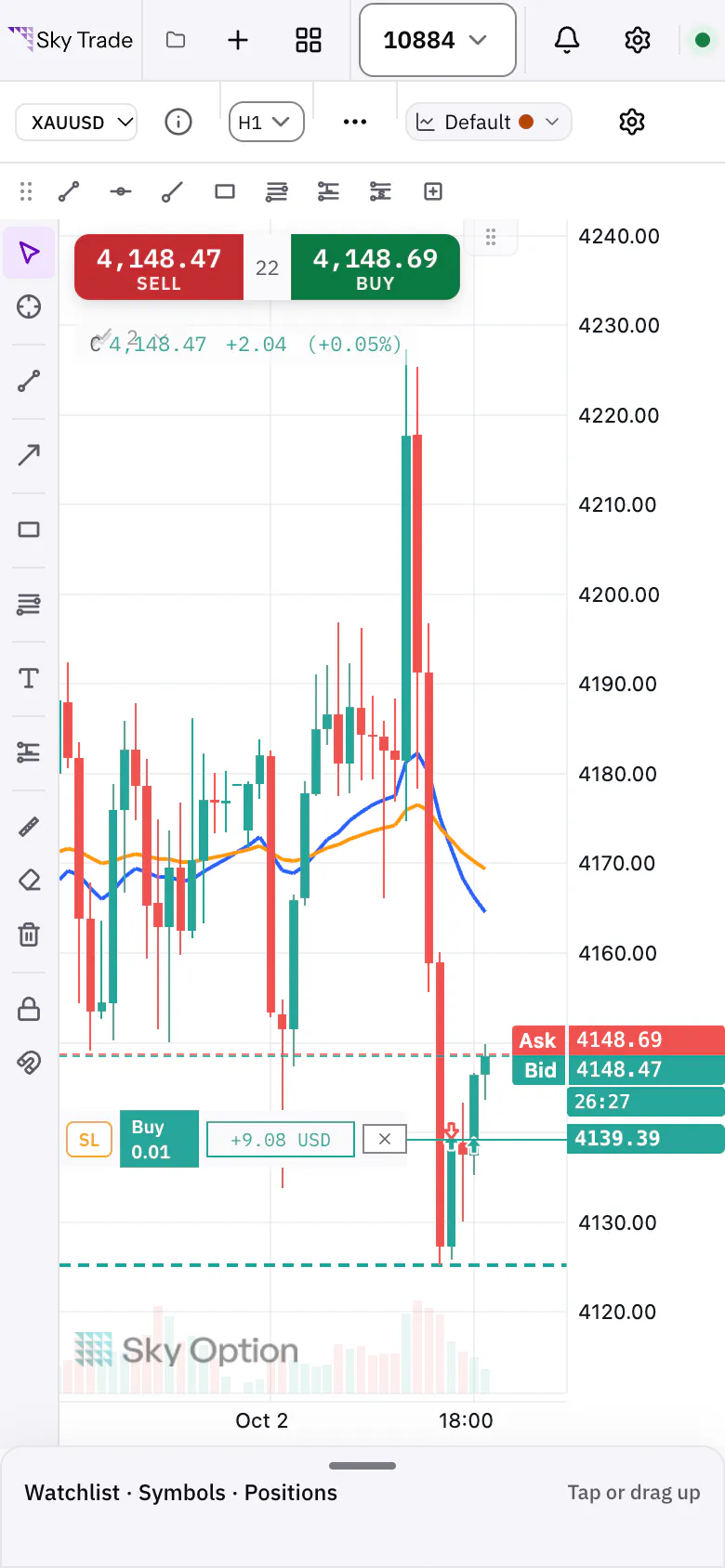


Your AI, on your chart
Bring the AI you already use. It reads the market, sets up the chart and draws on it, and you decide how far it may go.
Bring your own key
Paste a key from Anthropic or any OpenAI-compatible service and chat in a window that floats over the chart or docks beside it. Your key stays in your browser.
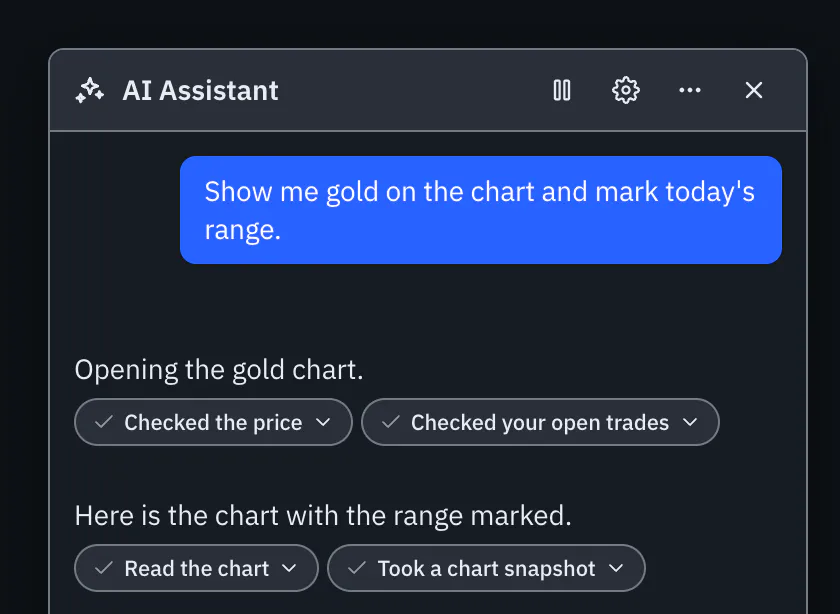
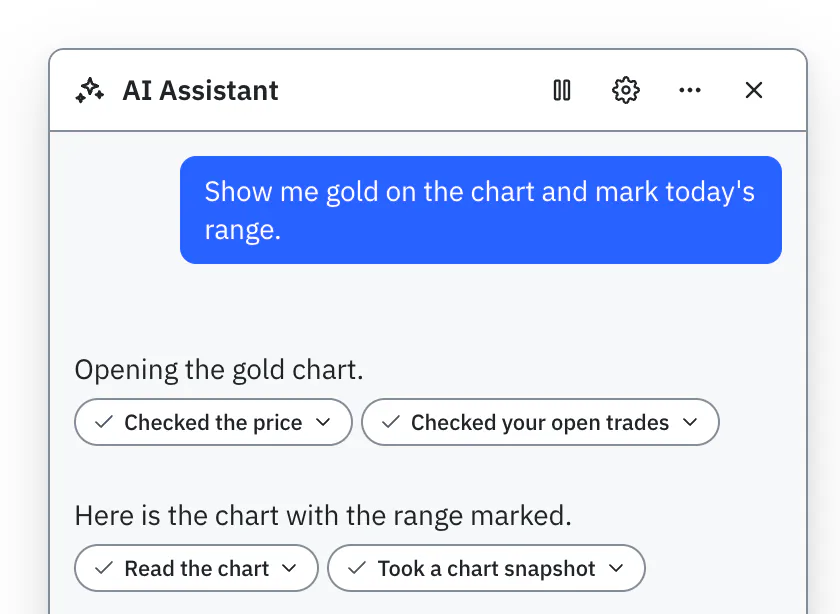
Or connect the AI app you already use
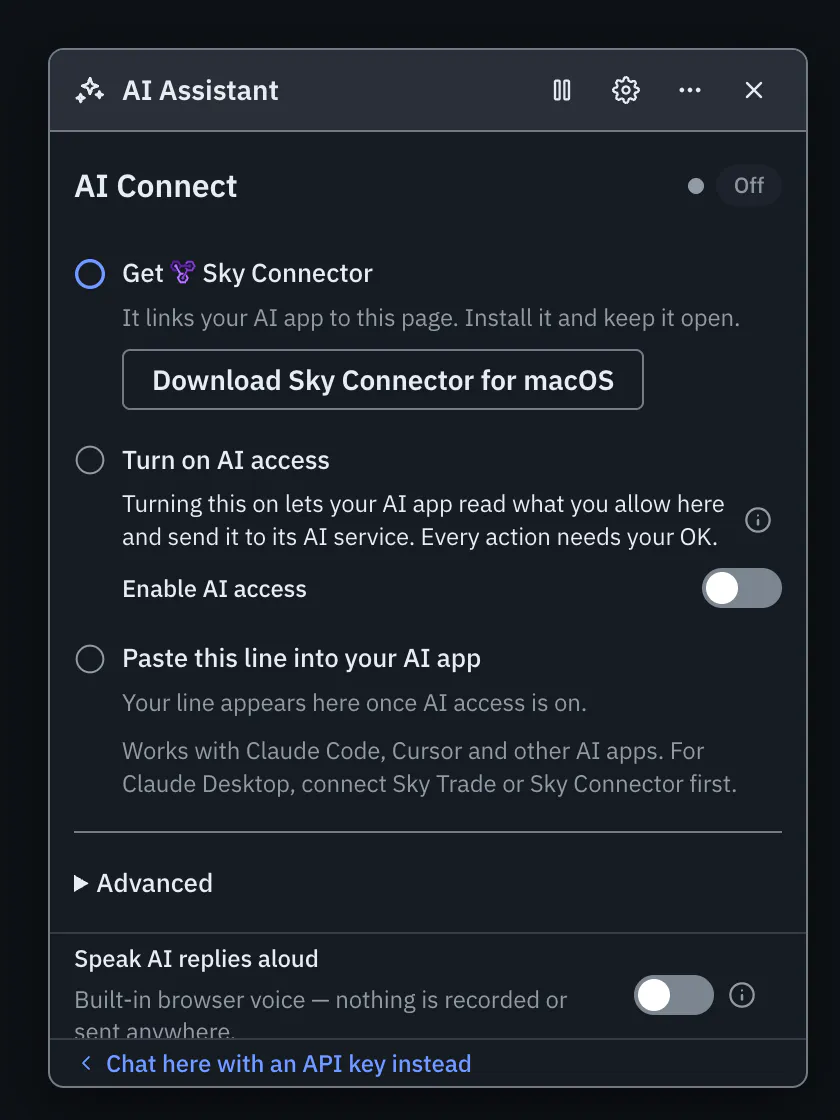
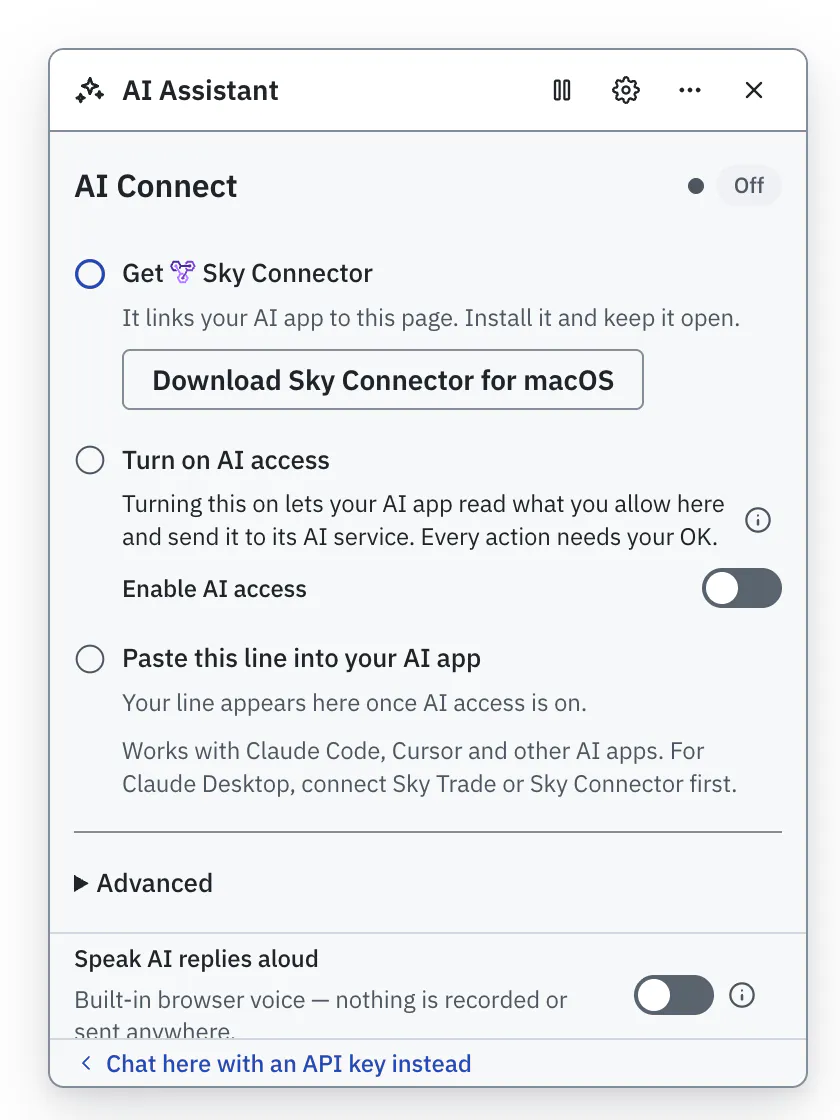
Use Add to Claude Desktop, paste one line into Claude Code, or connect Cursor, Windsurf or ChatGPT. On the web, Sky Connector links them; Sky Trade Desktop has the link built in. ChatGPT connects from a button in the Connection tab. Which AI do you use? Find your guide
You stay in control
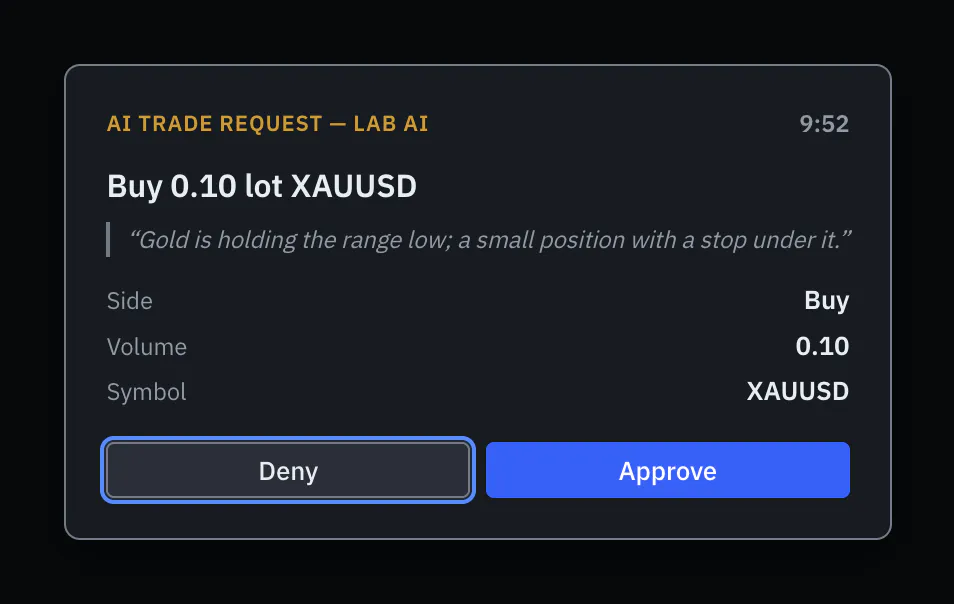
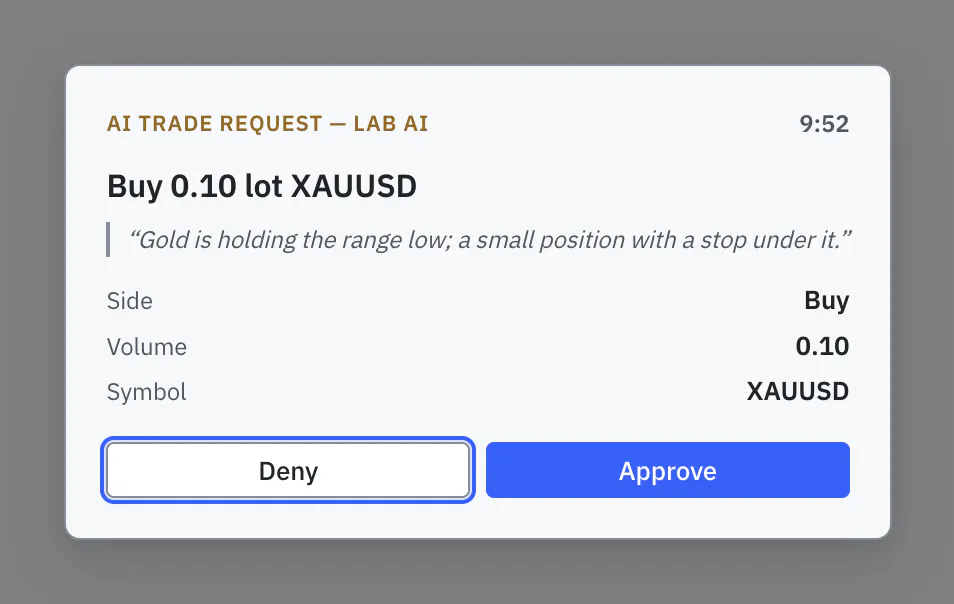
A trade on a real account always waits for your approval, with Deny as the default. Direct trading works only on a demo account you chose it for. Pause AI stops the AI at once, and an activity feed shows everything it did.


Watch an AI work the chart
An AI app adds indicators and draws price levels on the Sky Trade chart, step by step, while you watch.


Strengths you can check for yourself
Each one links to the page that shows it working.
Precise drawing that stays put
Magnet snap puts a line on the exact open, high, low or close, 50 steps of undo let you try ideas freely, and your drawings stay saved for each symbol.
See the drawing toolsIndicator on indicator, no code
Feed one indicator’s output into another, such as a moving average of an oscillator, and tune every setting. No scripting needed.
See indicator chainingTrade from the chart and see the money first
Drag your take profit or stop loss and see the projected result before you confirm. Drag a pending order to a new price, and review your entries and exits on the candles.
See trading from the chartBuild your own screen
Dock panels beside, above or into each other, start from ready-made workspaces, and on Sky Trade Desktop spread your charts across separate windows.
See layouts and workspaces
And more that traders notice
Setups that travel
A chart template keeps the colours of both themes, your indicators and your drawings. Put it on any chart, or export it to a file and import it on another computer.
See chart templatesProtection when margin gets tight
Warnings grow in 3 steps as your margin tightens, with buttons to close the losing trades or all of them. A stale price or a switched account cannot send the wrong order.
See account protectionTruly bilingual
Indicator settings and descriptions in Arabic, and an AI that answers, and reads its replies aloud, in the language you write in.
Read the language and look guideShare without showing your money
Chart images you share hide your money unless you turn it on. With Streamer Mode on, the AI’s voice goes quiet and your account number stays away from the AI.
Read the Streamer Mode guide
Make it yours
A platform that fits the way you work
Choose the look, the size and the language that suit your eyes and your screen.
- Dark, light, or follow your system. Flip between dark and light right from the header.
- 3 densities and a choice of text sizes, with the chart’s labels following along.
- Switch the whole platform between English and Arabic at any time, with prices in Western digits that never flip.
- Streamer Mode hides your money and account details when you share your screen.
- Made for the keyboard too: menus and dialogs return focus where you were, motion calms down when your system asks, and colours are contrast-tested.


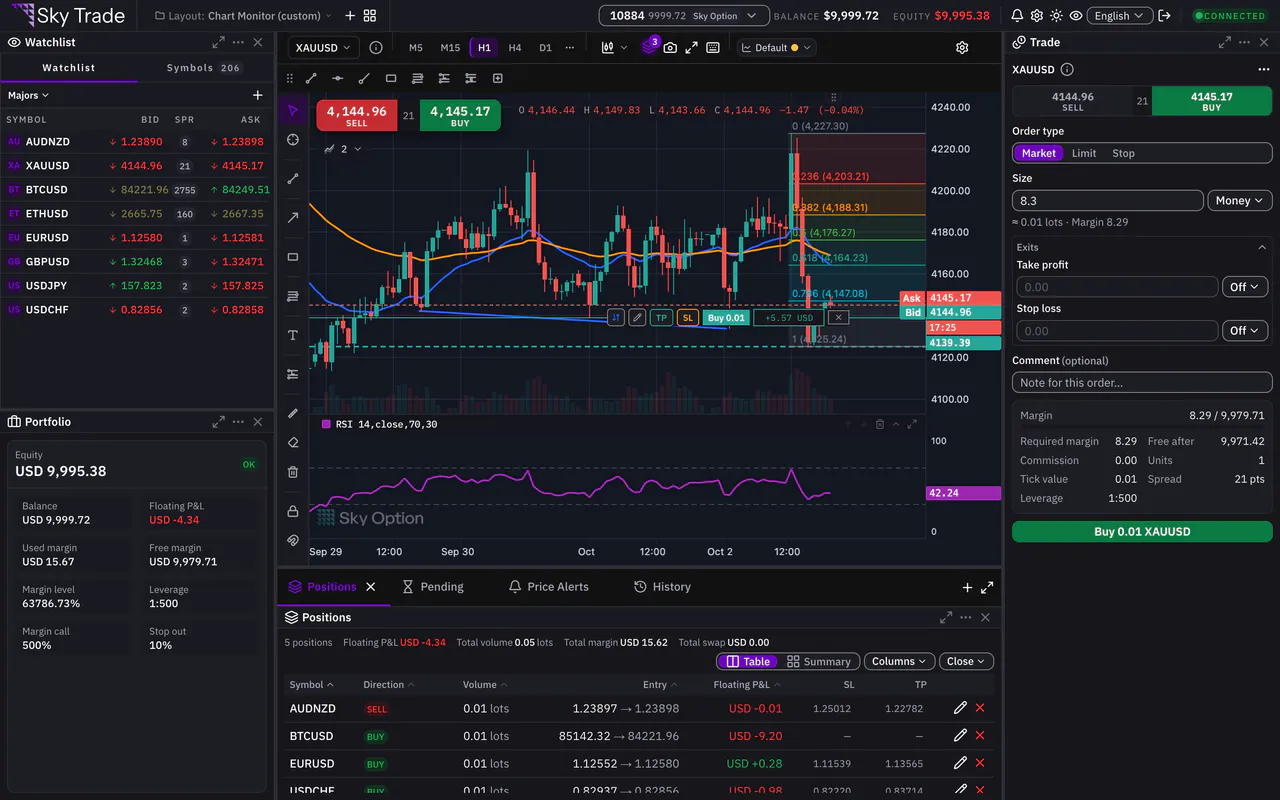
Compact 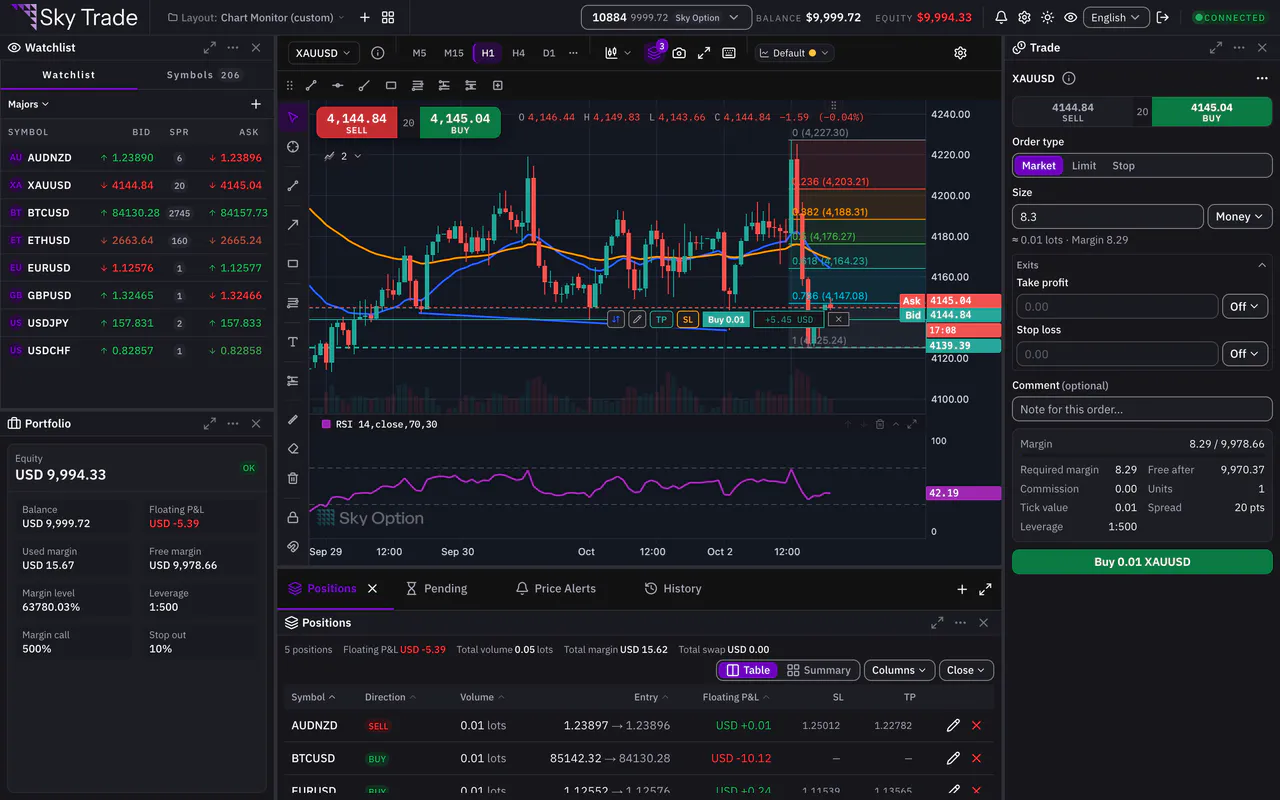
Normal 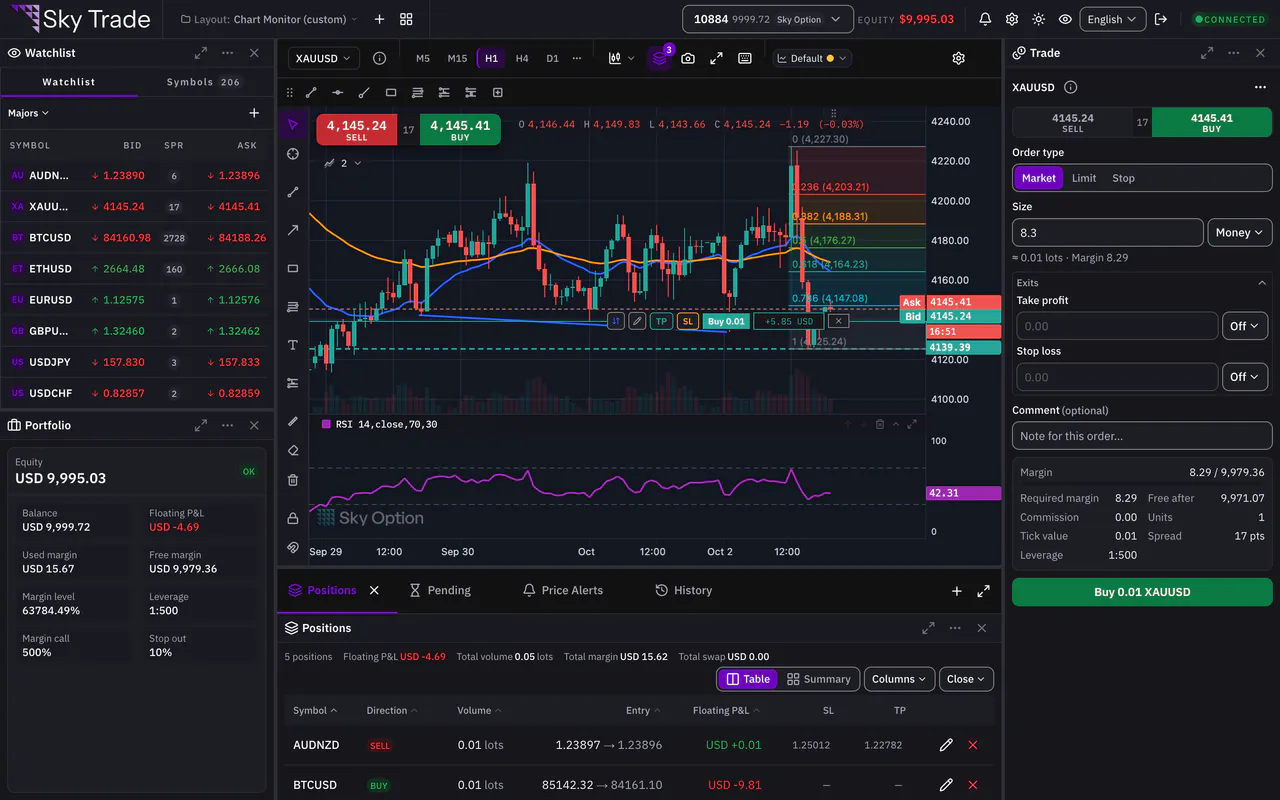
Comfortable


See it for yourself
Try the live chart right here in your browser, or open a free demo account and trade with virtual money.