
Trading Lab
Practise on real past prices
Replay any chart from a moment in the past, trade it with the same ticket you use live, and get a scorecard at the end. No money at risk, and no hindsight when you start at random.

Replay at 6 speeds
The highlighted one is normal speed: one bar every second. Change it at any time during the replay.
- 0.25×
- 0.5×
- 1× (normal speed)
- 2×
- 5×
- 10×
From replay to scorecard
Right-click any chart and choose Replay. Trading Lab takes it from there.
Set the conditions
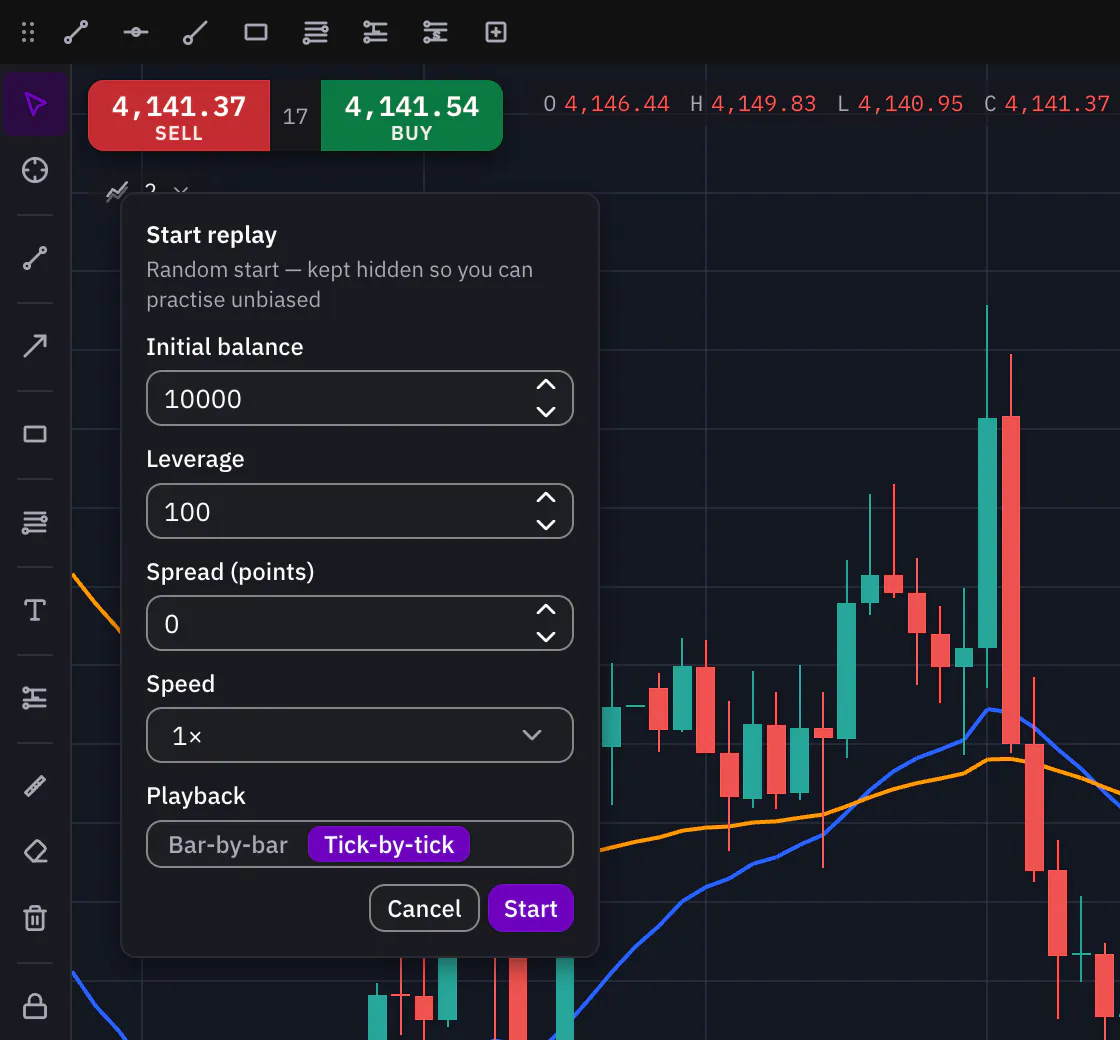
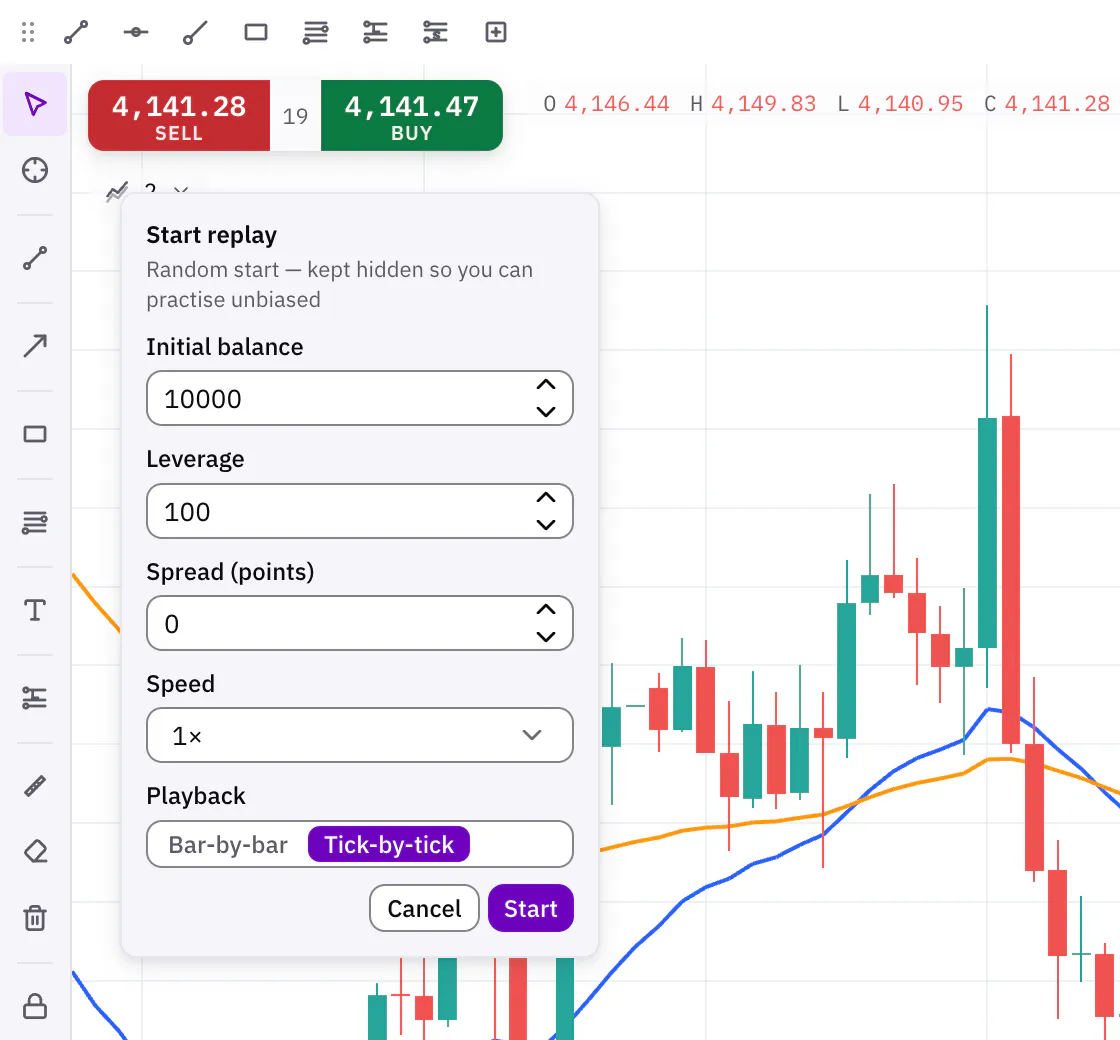
Choose the starting balance, leverage, spread and speed, and how the past plays: bar by bar, or tick by tick, where each bar forms from a price path built out of smaller bars when the history has them, and out of the bar’s own open, high, low and close when it does not. Trading Lab keeps your balance, spread, speed and playback for the next session.
Play it, and trade it with your real controls
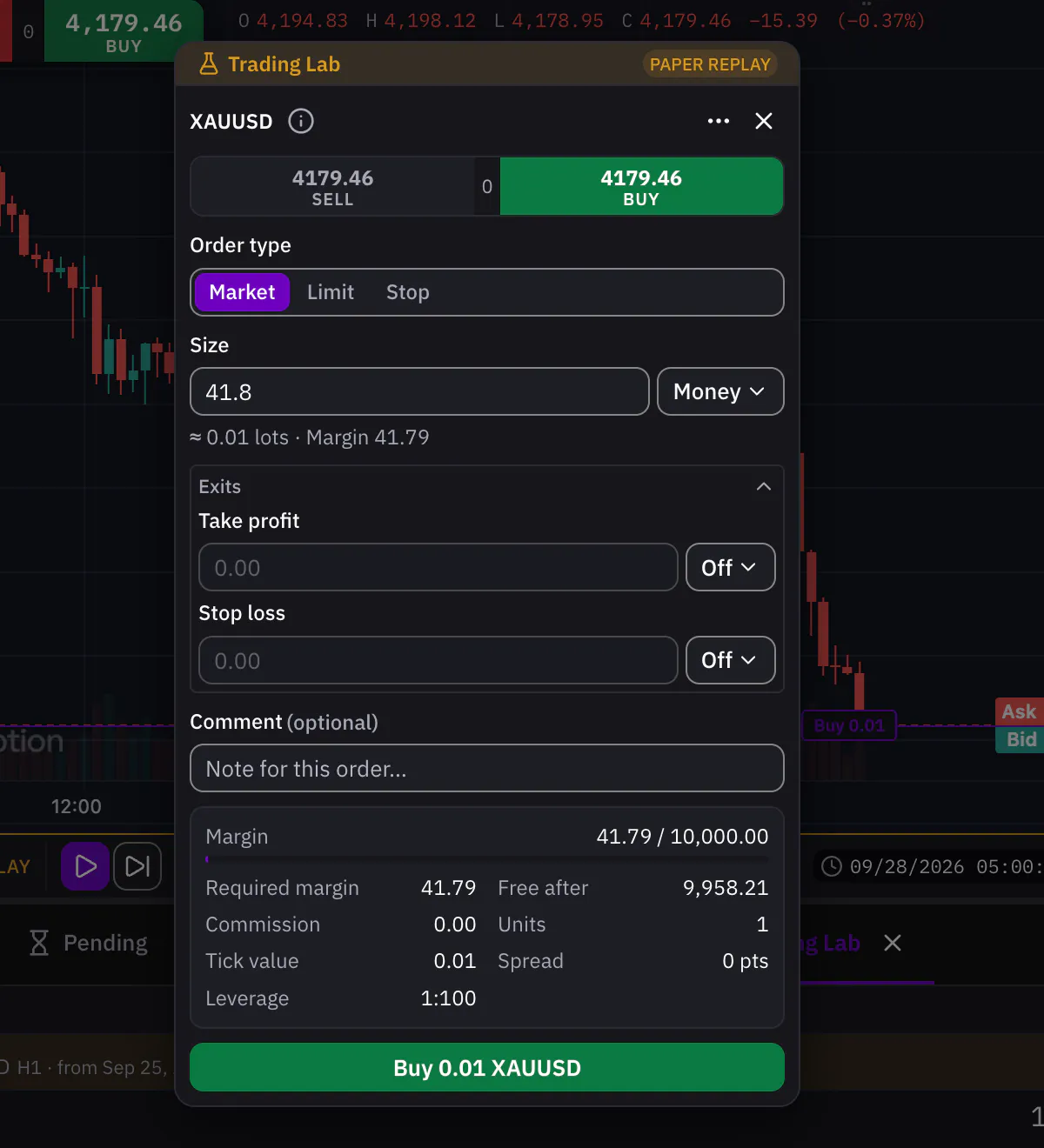
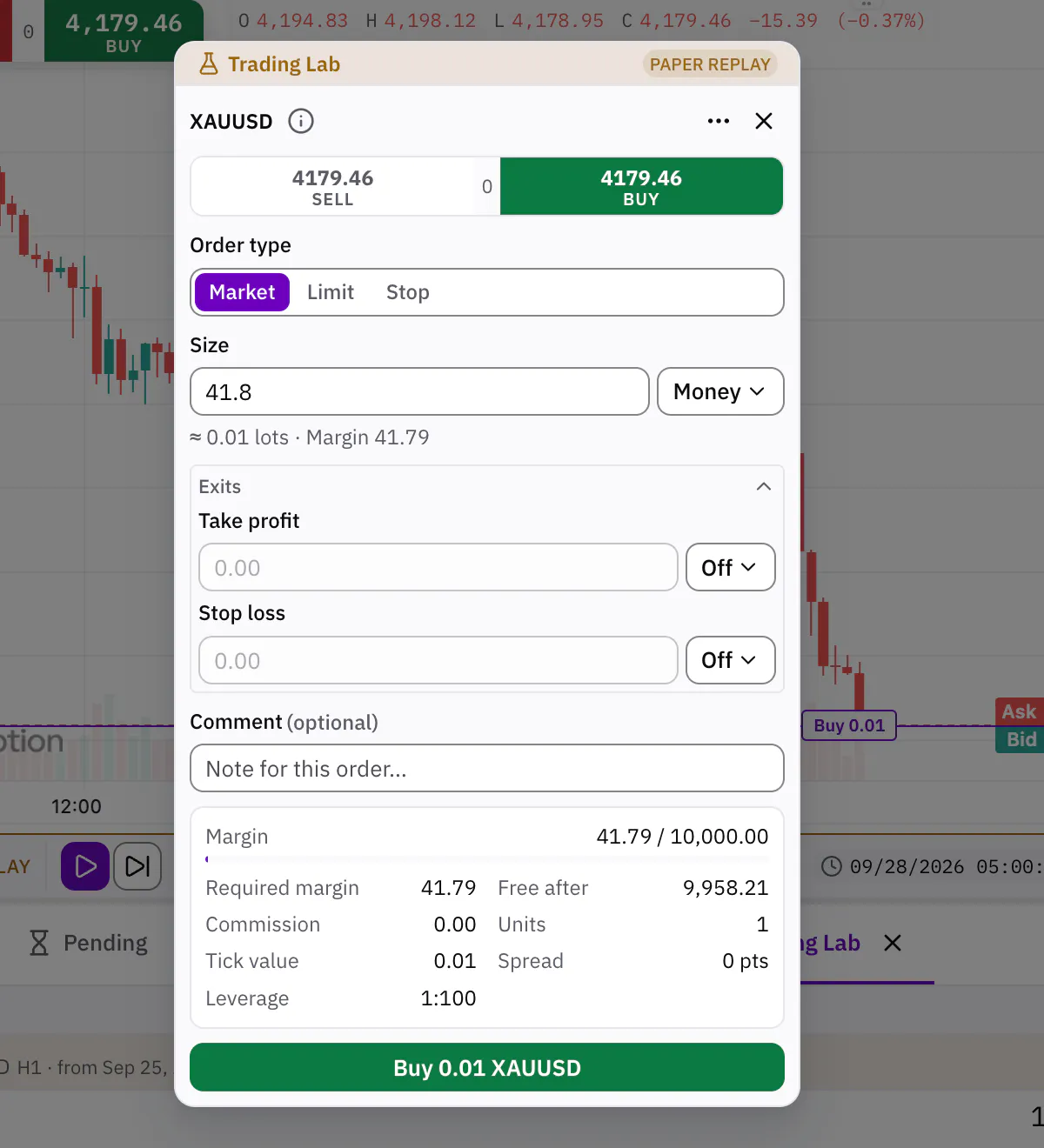
Play, pause, or step one bar at a time to study a move, and change the speed whenever you like. When the replay ends, restart it to try again. Paper orders go through the same ticket and chart buttons you trade with: market and pending orders, take profit and stop loss, and even a margin call and stop-out if you over-trade. The Trading Lab panel follows your practice equity, key stats and trades as the replay plays.
Read the scorecard
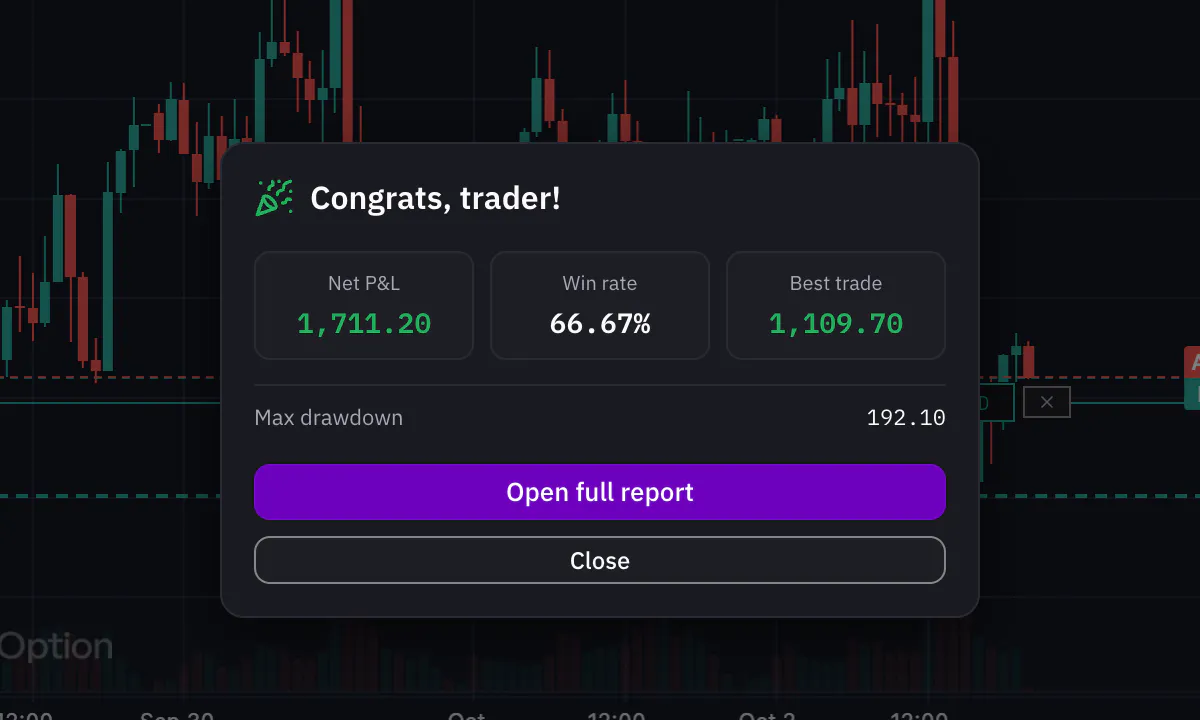
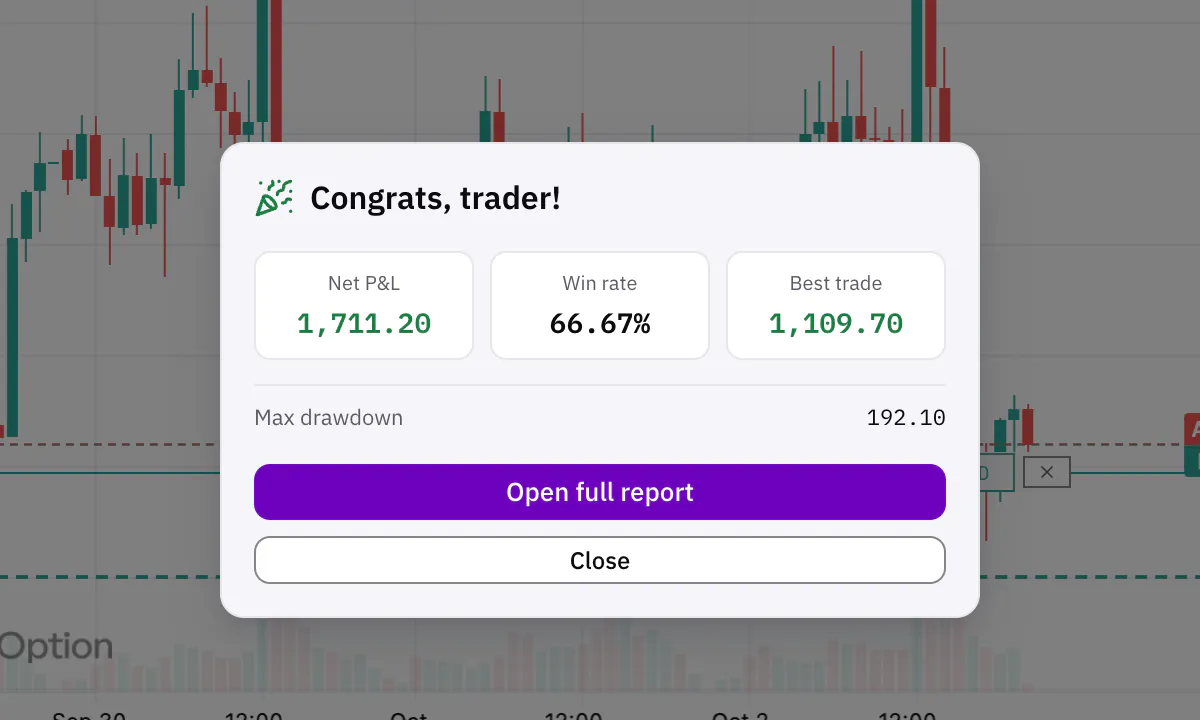
When the session ends you get the results: trades, win rate, net profit, profit factor, maximum drawdown, average win and loss, expectancy, average R and an equity curve. Know whether a strategy works before you trade it with money.


Practice that stays honest
Trading Lab is built so practice teaches you something, and never touches your real account.
Start anywhere, or at random
Click the bar to start from, type a date and time, or let Trading Lab pick a random point inside a period you choose. A random start stays hidden, so you practise without knowing what comes next.
A session for each chart
Several charts can replay at the same time, each with its own session. Practise two symbols side by side.
Same prices, same fills
Replay the same stretch twice and the same order at the same moment always fills at the same price, so you compare your decisions, not your luck.
Replay up to the live market
Let a replay run until it catches up with today: your practice trades close, the scorecard is ready, and the chart goes on showing live prices to watch.
Practice stays practice
A replay mark and an amber glow tell you the chart is in practice. Its live trading controls are locked, and nothing is written to your real account.
Practise with an AI coach
The AI in Sky Trade can run Trading Lab with you, on the chart in front of you.
- Start a replay from a date, then play, pause, step bars or change the speed.
- Place, change and close paper orders, with stop loss and take profit.
- Read the paper account, the open trades and the scorecard, and talk them through with you.
Every order it places in the Lab is simulated, and while any replay runs the AI cannot trade your live account.
A replay in motion
A Trading Lab session plays, its speed changes, and a practice order goes in.


Start practising
Open a free demo account, right-click any chart and choose Replay. Or try the live chart on this site first.